
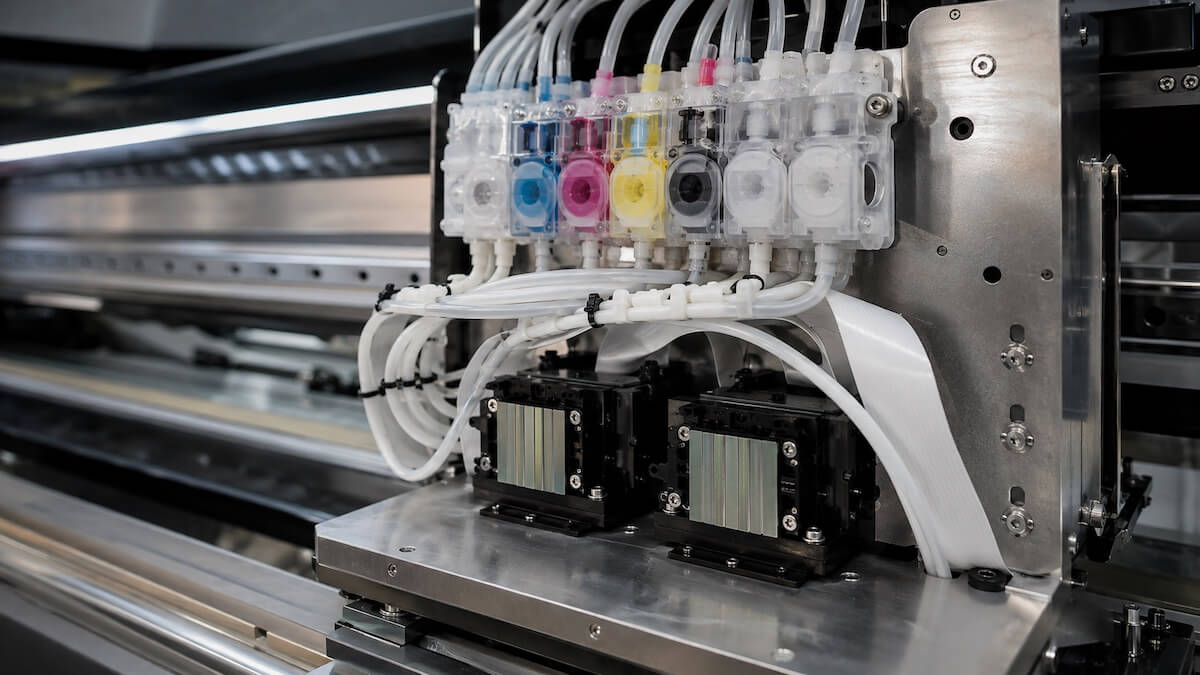
The colours print fine, but half the white channel is missing on the nozzle check. Almost every DTF shop runs into this at some point, and it is no coincidence: white ink is a different material from the colours, and small lapses in maintenance show up there first. Because the white layer is what makes colours look vivid on dark fabric, even a partial gap in the white can write off the whole print.
Below we look at why white clogs more easily, how to catch it early on the nozzle check, the seven causes we see most often and what to do about each. If you are new to DTF, it is worth reading what a DTF printing machine is and how it works first; this article builds on that.
Why white ink clogs more easily than the colours
The opacity of white DTF ink comes from titanium dioxide pigment. Its particles are both larger and heavier than those in the coloured inks. Leave the ink standing for a while and the particles sink; you end up with a thin, watery layer on top and a dense one at the bottom. When the head prints the watery part, the white does not cover; when the dense part reaches the head, the nozzles block. Coloured inks do not settle this way, which is why the colour channels can run for years on the same maintenance routine while the white does not.
The second difference is workload. Every design on a dark garment gets a full white layer under the colours, so the white channels simply do more work than the colour channels. That is why the DTF printing machines Pass Dijital supplies use CMYK×2 + W×2 or CMYK×4 + W×4 ink layouts: white gets as many channels as all the colours combined. The more channels, the more circulation and daily care matter.
Then there is the cold. White ink is thicker to begin with; in an unheated workshop in winter its viscosity climbs and the head struggles to fire it. White pigment that dries on the nozzle plate is also harder to dissolve than coloured residue. Put these together and it is clear why white is always the first channel to go.
Symptoms: how to read the nozzle check
White clogging rarely happens all at once; it usually builds over a few days. The only reliable way to catch it early is to start every morning with a nozzle check. Each nozzle shows as a short line on the printout; a missing, broken or deflected line means that nozzle has a problem. The pattern of the gaps also tells you the cause:
| Symptom | Likely cause | First step |
|---|---|---|
| A few scattered missing lines in the white pattern | Drying starting on the nozzle surface, a small air bubble | One standard clean, then test again |
| Missing lines clustered in one area | Ink not reaching that channel: damper, filter or tube | Check the ink line and the filter |
| Lines deflected or spraying sideways | Residue around the nozzles, worn wiper | Clean the wiper and the capping station |
| White layer prints grey, speckled or translucent | Settled ink: pigment at the bottom, watery part on top | Check circulation, stir or assess the cartridge |
| Same nozzles still missing after every clean | Hard clog or head damage | Stop cleaning, contact technical service |
The print itself tells the same story: faded colours on dark fabric, fine banding across the white base, or patches that stay translucent after transfer almost always point to a partial clog in the white channel.
Why does DTF white ink clog? 7 main causes and their fixes
There is never just one cause; usually several work together. We have ordered them from the one we see most often in workshops to the rarest.
1. White ink settling
By far the most common cause. When the machine sits for a few days, white ink begins to settle in the cartridge, the tubes and the dampers. The watery part goes to the head and the white layer loses its opacity; the dense pigment at the bottom blocks the filter and the nozzles.
Fix: If the machine has white ink circulation, check every day that it is running; if it does not, shake the cartridges gently as often as the manufacturer recommends. Shaking hard does not help, it just introduces air bubbles. Stir a new cartridge from the shelf before fitting it, too. If the machine will stand idle for a long period, do not switch the circulation off.
2. The printhead drying out
With the machine off, the ink on the nozzle surface is exposed to air and dries. If the cap does not seal fully over the head, the moisturising fluid has run out, or the machine was switched off before it parked, drying can start overnight. Most of the clogs that make people say "everything was fine last night" are this.
Fix: Always switch the machine off in the parked position with the cap closed. Check that the rubber lip of the cap is intact and clean and that the moisturising reservoir is full. If the machine has automatic flash spitting or periodic cleaning in standby, leave it on.
3. Air bubbles and ink supply problems
Air gets into the line when a cartridge is changed, a tube fitting loosens or a damper seal wears. When a bubble reaches the head, that group of nozzles fires air instead of ink; on the check it shows as a block of missing lines in one area. This is often mistaken for a clog and met with clean after clean, when the problem is in the line, not the head.
Fix: Look at the tubes; an air gap is visible to the eye. Change cartridges before they run completely dry, and renew dampers and fittings at the service interval. Machines with ink bags on the carriage see this problem far less often.
4. Ink quality and compatibility
Ink that was not formulated for the head, has the wrong viscosity, is past its date or spent the summer in a warehouse in the sun will clog no matter how good the maintenance is. Mixing brands is worse still: the formulations can coagulate in the line and the head may not come back.
Fix: Use only ink approved by the machine manufacturer or with documented compatibility for your head type. Store it cool, dark and sealed, and watch the expiry date. If you have to change brands, flush the line with cleaning fluid first, ideally together with the service team.
5. Blocked filters and ink lines
The filters in the line trap settled pigment and fill up over time. A full filter restricts flow; the head is starved of ink and nozzles drop out one by one. Kinked or crushed tubes, or old tubes with residue built up inside, give the same result.
Fix: Replace filters at the interval the manufacturer gives, and it is wise to shorten that interval a little for the white line. Check the tube routing and straighten any kinks or sagging. Do replacements according to the machine's service instructions.
6. Ambient conditions: temperature, humidity and dust
In the cold, white ink thickens and the head struggles to fire it; in hot, dry air the nozzle surface dries fast. Adhesive powder drifting from the shaker and ordinary dust settle on the head and the cap and speed up clogging. Manufacturer tables usually give 20–30 °C and 45–65% relative humidity for DTF machines; a workshop outside that range will have white ink problems sooner or later.
Fix: Put a thermometer and hygrometer in the print room and use air conditioning or a humidifier if needed. Keep the shaker's fume and dust filter working, and place the machine away from doorways, draughts and direct sunlight.
7. Wrong maintenance and cleaning practices
Unsuitable cleaning fluid, excessive pressure from a syringe, wiping the nozzle plate with a cloth, running dozens of cleaning cycles back to back... each of these does more harm to the head than the clog itself. A piezo head is a delicate part; one wrong move can deform the nozzle plate permanently.
Fix: Use only the fluid and method the manufacturer approves, and never apply pressure directly to the nozzle plate. If two or three standard cleans have not worked, do not repeat the cycle; from that point on it is a job for technical service.
A maintenance schedule that prevents clogging
Most white ink problems are prevented by small, regular jobs. The schedule below does not replace the manufacturer's maintenance manual; think of it as a checklist to pin up next to the machine.
| Frequency | Task |
|---|---|
| Every day | Run a nozzle check; clean the capping station, wiper and the area around the head; check that circulation is running and the moisturising reservoir is full; switch off in the parked position. |
| Every week | Shake the white cartridges gently; look for air gaps and leaks in the tubes; empty the waste ink tank; clean powder build-up off the shaker. |
| Every month | Inspect filters and dampers and replace any at the end of their service interval; check the cap rubbers and wiper for wear; review the room's temperature and humidity records. |
| Before a long shutdown | Follow the manufacturer's parking and protection procedure; discuss with service whether to leave circulation running or fill the line with cleaning fluid; cover the machine against dust. |
If you had to pick a single rule, it would be this: switch the machine on and run a nozzle check even on days with no production. Those few minutes stop nozzles that dried overnight from turning into a hard clog.
What to do step by step when white ink clogs
When you notice the white dropping out, follow this order. The aim is to solve the problem with the least intervention and protect the head.
- Run a nozzle check. Note how many nozzles are missing and where. Scattered single gaps and a block of gaps in one area point to different causes.
- Run one standard clean, then test again. Most light drying clears here.
- Let the head rest. If there is little improvement after a second clean, leave the machine capped for 15–30 minutes; the moisturising fluid softens the residue. Then test again.
- Check the supply line. Is circulation running, is there enough well-mixed ink in the cartridge, is there air in the tube, is the filter full, does the cap rubber seat properly?
- Clean the cap. Dried ink inside the cap stops the vacuum reaching the head, and in that state a cleaning cycle does nothing at all.
- Stop and call service. If the same nozzles are still missing after three cleans, you can see coagulated ink in the line, or the head throws an error, do not run any more cycles.
If you suspect a hard clog, forcing fluid through with a syringe, using unapproved chemicals or rubbing the nozzle plate will not save the head; more often it finishes it off. The printhead is the most expensive consumable on the machine, and this is not the place to hurry. Report the situation through our contact page and the technical team will look at your nozzle check and decide whether it can be handled remotely or needs a visit.
How the right DTF ink affects print performance
Ink choice decides not only how vivid the colours are but how often you will clog and how long the head lasts. Ink formulated for your head type has the right viscosity and surface tension, its pigment is evenly dispersed and it settles more slowly in the cartridge. In generic inks of uncertain origin the pigment particles can be uneven in size; you notice it first in filters filling early, then in the nozzles.
Ink should not be judged in isolation from the film and the adhesive powder. If the three are not matched, the transfer lifts in the wash; when the manufacturer supplies ink, film and powder for the same system, that match is built in. When choosing, look for documented head compatibility, whether the white covers a dark base in a single pass, the batch and expiry dates on the label, and whether the brand will stay available. Every brand change means flushing the line, so settling on one ink and staying with it causes fewer problems in the long run. And do not place a large order before printing a sample and wash testing it.
What to look for in a new machine to avoid clogging
Much of the clogging risk is decided by the design of the machine's ink system. When comparing models, ask whether there is white ink circulation or stirring, whether the carriage has ink bags that trap air bubbles, whether the machine moisturises and flash spits automatically in standby, and whether the cartridges are large capacity. Then look at after-sales: how many days service takes to arrive when a head fails, and whether consumables are available locally, decides your production loss more than the spec sheet does.
If you are weighing DTF against UV DTF for textiles, we covered the differences in ink and maintenance in our DTF vs UV DTF printer comparison. You can see where DTF sits in textile production, with application examples, on our textile printing solutions page.
White ink clogging is rare in a workshop where circulation runs, the machine is switched on and tested every day, the room is controlled and the ink matches the head. When it does happen, the order is simple: test, run one or two standard cleans, check the line, and if it does not clear, stop and call service.
At Pass Dijital we can look at DTF printing machines, ink and consumables and technical service together and find what suits your business. If your machine has a white ink problem, reach us through the contact page; attach your nozzle check and the initial assessment will be quicker.
Popular DTF Printing Machine Models
| Fotoğraf | Ürün Kodu | Ürün Adı | Detaylı Bilgi |
|---|---|---|---|
|
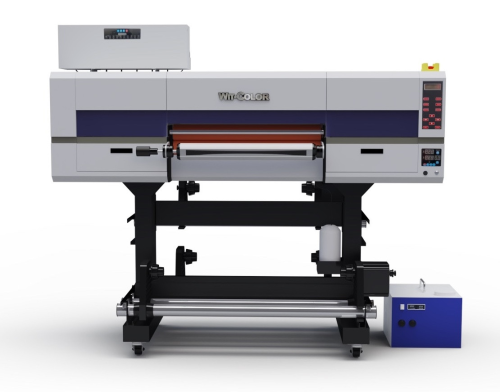
UV DTF | UV DTF Printing Machine 0603 | Review |
|
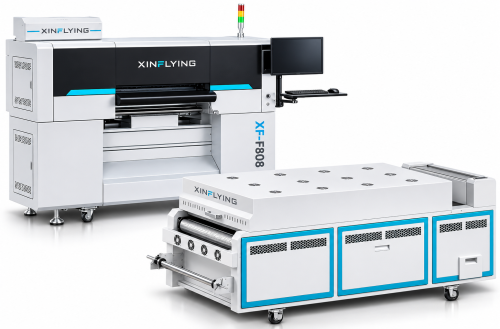
XinFlying F808 | DTF Printing Machine 8 Heads Epson i3200-A1 80 cm | Review |
|
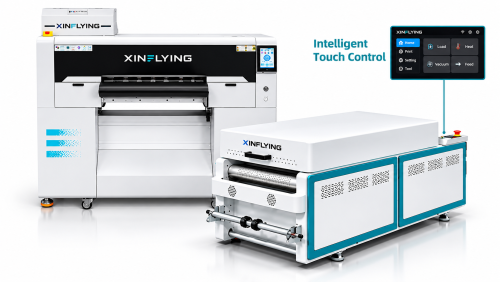
XinFlying F606 | DTF Printing Machine 6 Heads Epson i3200-A1 60 cm | Review |
|
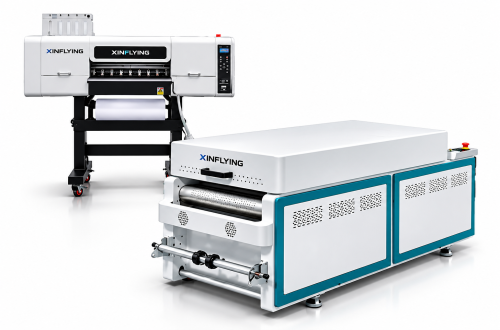
XinFlying C604 | DTF Printing Machine 4 Heads Epson i3200-A1 60 cm | Review |
|
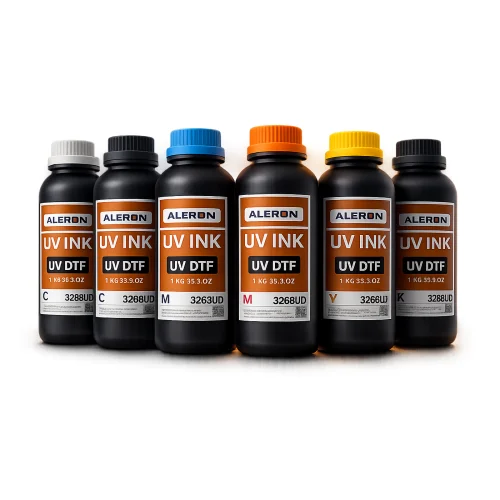
Aleron 3268UD | UV DTF Printing Ink for Epson and Ricoh Heads | Review |

|
Aleron Premium DTF | DTF Printing Ink for Epson Heads OEKO-TEX | Review |

|
Aleron DTF Instant PET Film | Double-Sided DTF PET Film Instant Peel 60 cm and 30 cm | Review |

|
Aleron Hot Melt Powder | DTF Hot Melt Adhesive Powder Hybrid 1 kg | Review |
Frequently Asked Questions About DTF White Ink Clogging
1. How quickly does DTF white ink settle?
It starts the moment the machine stops and shows in the print within a few days. On machines with circulation the ink keeps moving, so it takes longer. Without circulation the cartridge needs a gentle shake every few days. Spare cartridges from the shelf should also be stirred before they are fitted.
2. Do I have to run the machine every day?
Yes, even with no production. Switching on and running a nozzle check takes a few minutes and catches drying on the nozzle surface before it becomes a hard clog. For shutdowns longer than a week, follow the manufacturer's parking procedure and leave circulation running if you can.
3. After how many cleaning cycles should I stop?
If the same nozzles are still missing after three standard cleans, there is no point continuing; every cycle uses ink and wears the head. At that point the problem is most likely in the supply line, the cap or a hard clog, and service needs to look at it.
4. Can I mix white inks from different brands?
No. Different formulations can coagulate in the line and cause permanent clogging. If you are changing brands, flush the line completely with cleaning fluid first and fill the new ink only after that. The safest way is to do it with the service team.
5. Does a clogged printhead always have to be replaced?
Not always. Most clogs caught early clear with standard cleaning and a check of the line; for hard clogs, service will try to recover the head with professional cleaning methods. Replacement comes up when the nozzle plate is damaged or the dried pigment cannot be dissolved.
6. What room temperature prevents white ink clogging?
Manufacturer tables usually give 20–30 °C and 45–65% relative humidity for DTF machines. In the cold the white thickens and is harder to fire; in hot, dry air the nozzle surface dries quickly. A simple thermometer and hygrometer in the print room make the risk visible.